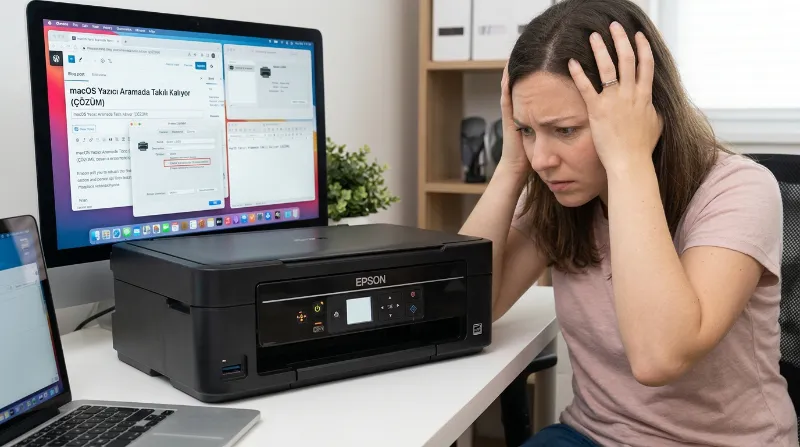
Problem
On macOS, whenever I try to send a print job from any application, the status gets stuck on "Looking for printer" even though the printer shows as ready. Nothing gets printed. On the other hand, printing a test page from the printer settings works just fine and prints without any issue.
Solution
After researching online, I came across many common suggestions: resetting the printer, resetting the macOS printing system, removing and reinstalling the drivers... Unfortunately, none of those worked. The solution that actually fixed it was hidden in a Reddit comment thread.
Disable Bidirectional Communication
Open the Printers menu, right-click on your printer's name, and go to Printer Info > Options. Turn off the option at the very bottom (Bidirectional Communication).
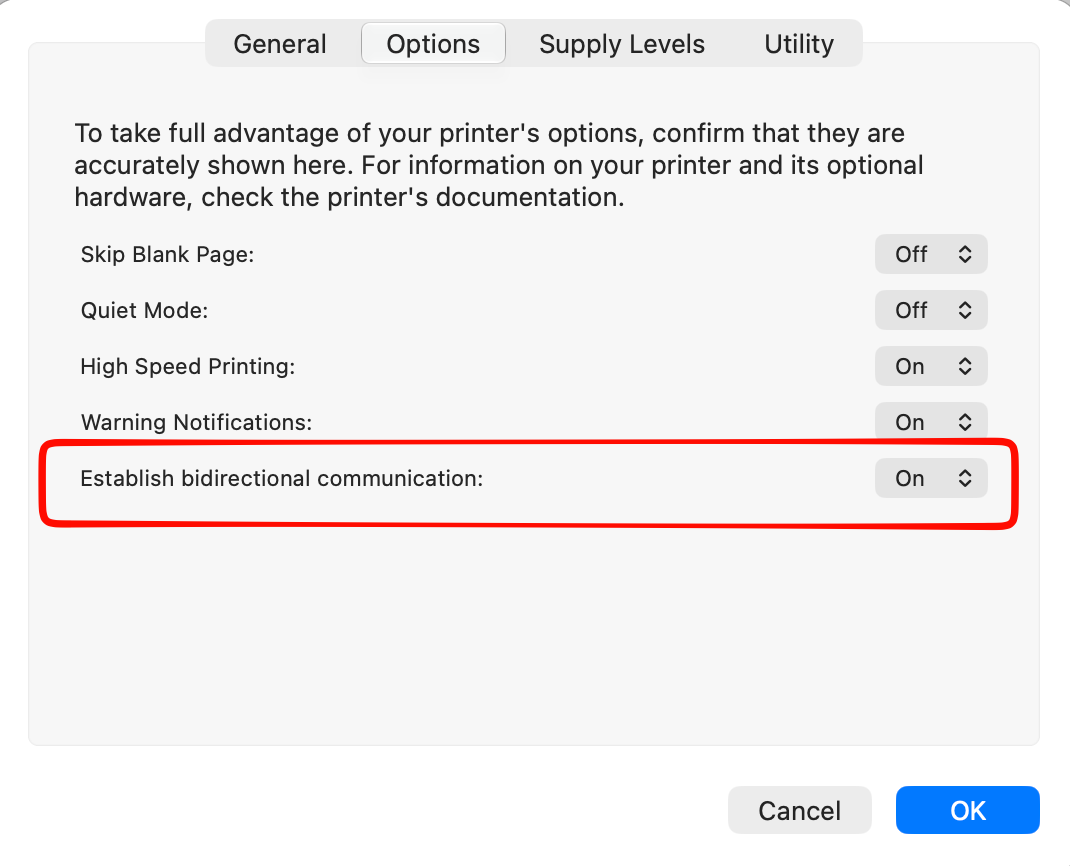
As soon as I toggled this setting off, the printer started printing immediately.
Hope this helps someone out there! ;)
0 Comments
Leave a comment