
When I need to prepare a presentation to explain a solution, what takes most of my time is usually not the content itself but finding the icon sets, stock photos, diagrams and so on to visualize that content. Before starting a presentation, I usually sketch a rough outline in a blank text file, something like cover - introduction - what is it? - examples - references. Sometimes everything else is finished and the cover alone can take me hours.
The most important factor in how memorable a presentation is, is the visuals it uses. A presentation made up entirely of long paragraphs, where the slides are nothing but titles and body text, is hard both to listen to and to follow.
I had tried creating images and diagrams with generative AI models before by giving them the content, but the biggest problem was editing while keeping things consistent. It would create an image, but when I said keep this part the same, just change that part, the image would lose its consistency. While I was looking for a tool that would create content I could actually edit, I came across napkin.ai.

To put it very simply, Napkin.ai is a tool that automatically turns the text you write into diagrams, flowcharts and infographics. Its key difference from the drawing or presentation tools we know is that you don't start from a blank page, you start from text.
How do I use it?
When you sign up for Napkin.ai and log in, you're greeted by a text editor. Visuals are generated automatically for the content you write here as hierarchical, bulleted lists.
An example
Say I want to present the modules of an application we're developing in a visual way. First, we write them out as a standard list:
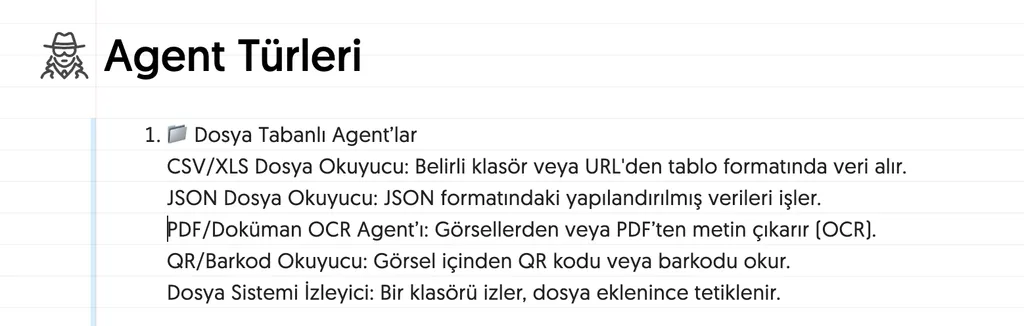
Napkin gives us a first graphic similar to the one below:
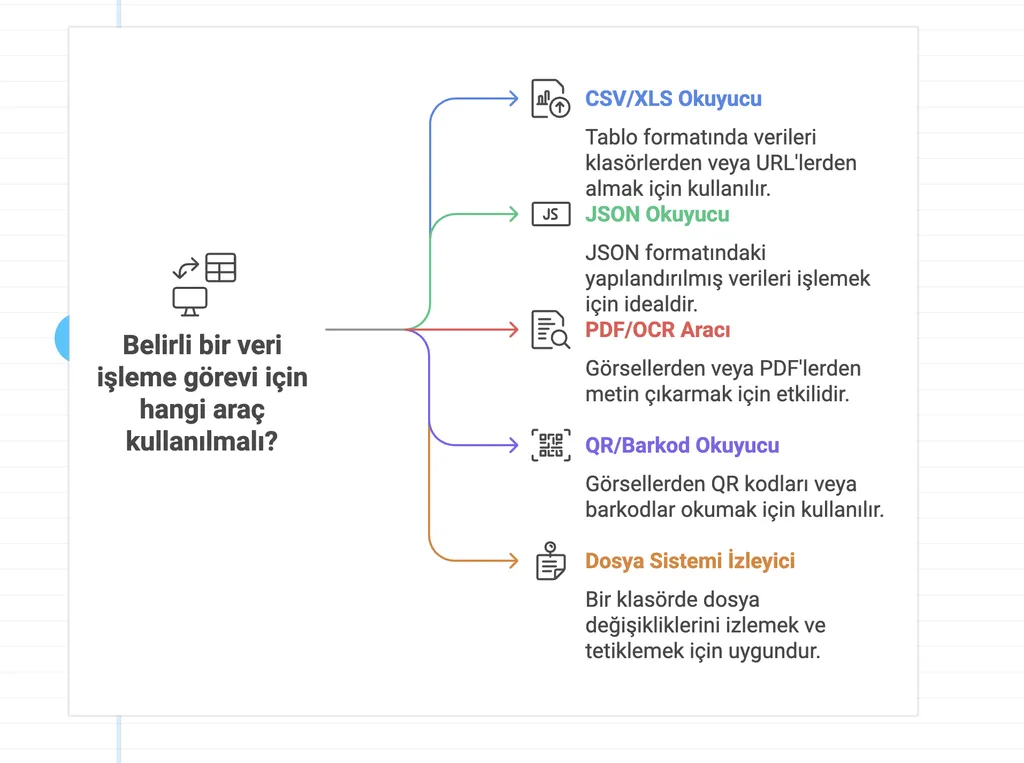
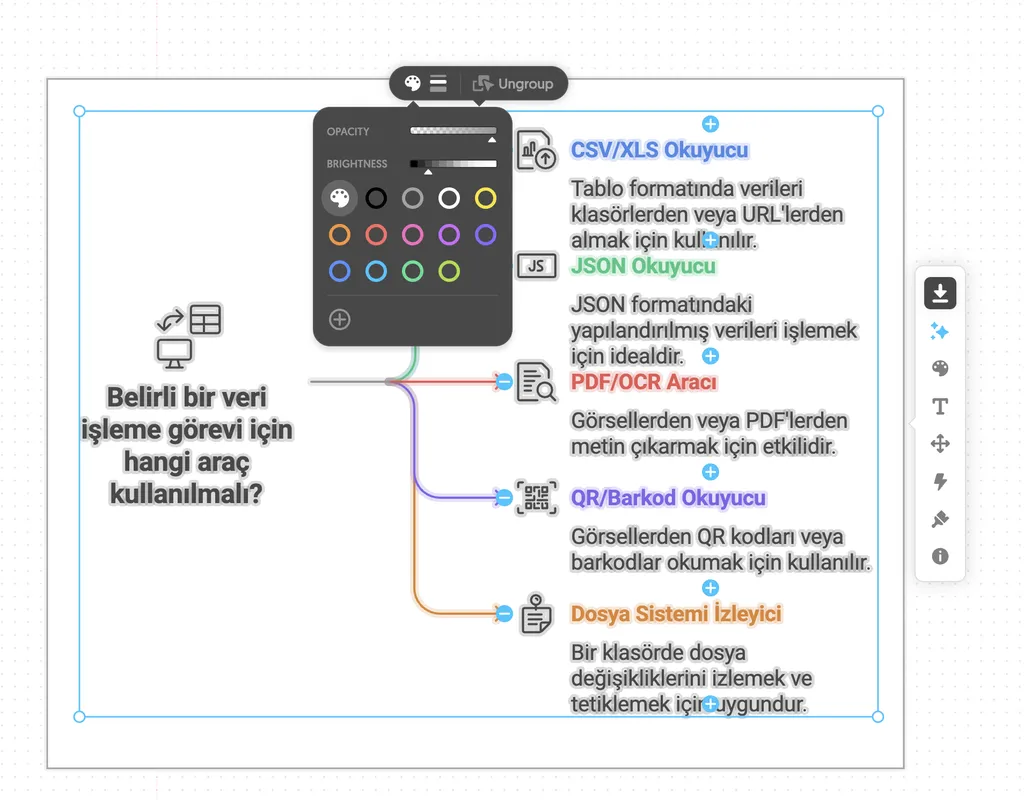
You can then change the diagram type, colors, font and style on this visual without writing any prompts.
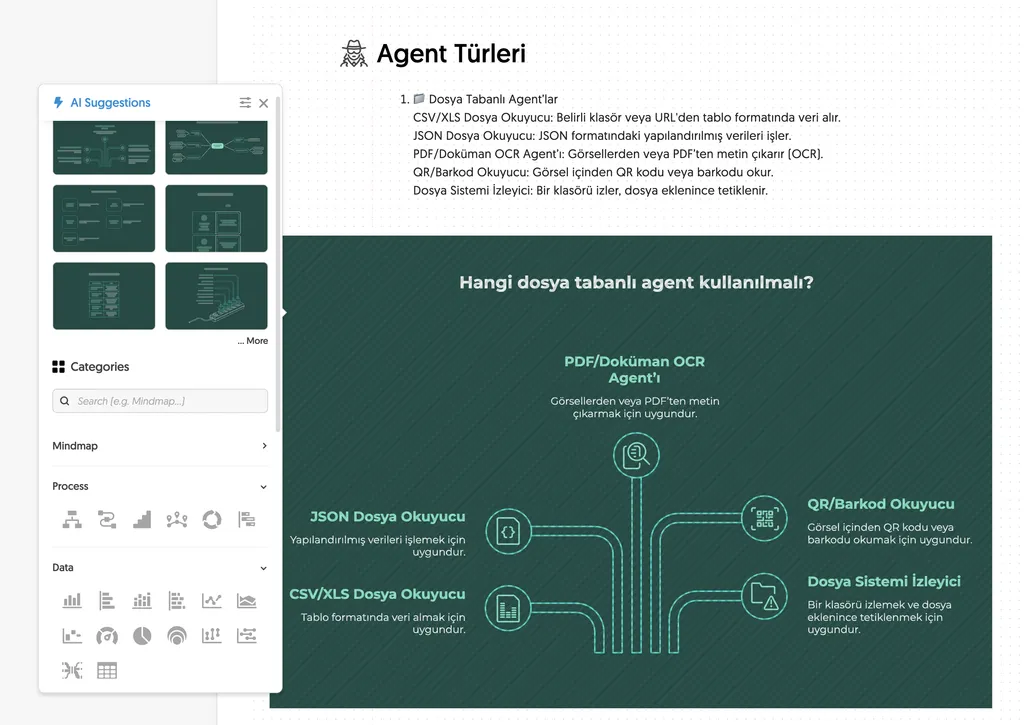
There are lots of options to choose from when turning text into a diagram:
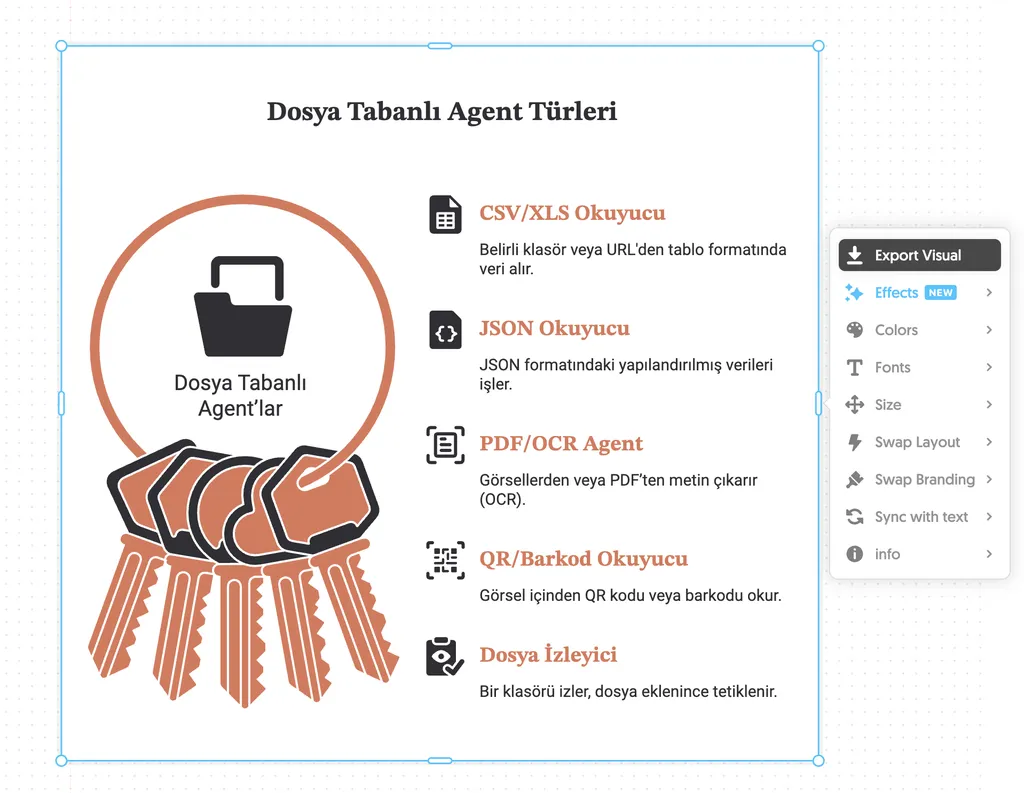
Once you've made the edits you need, you can export them:
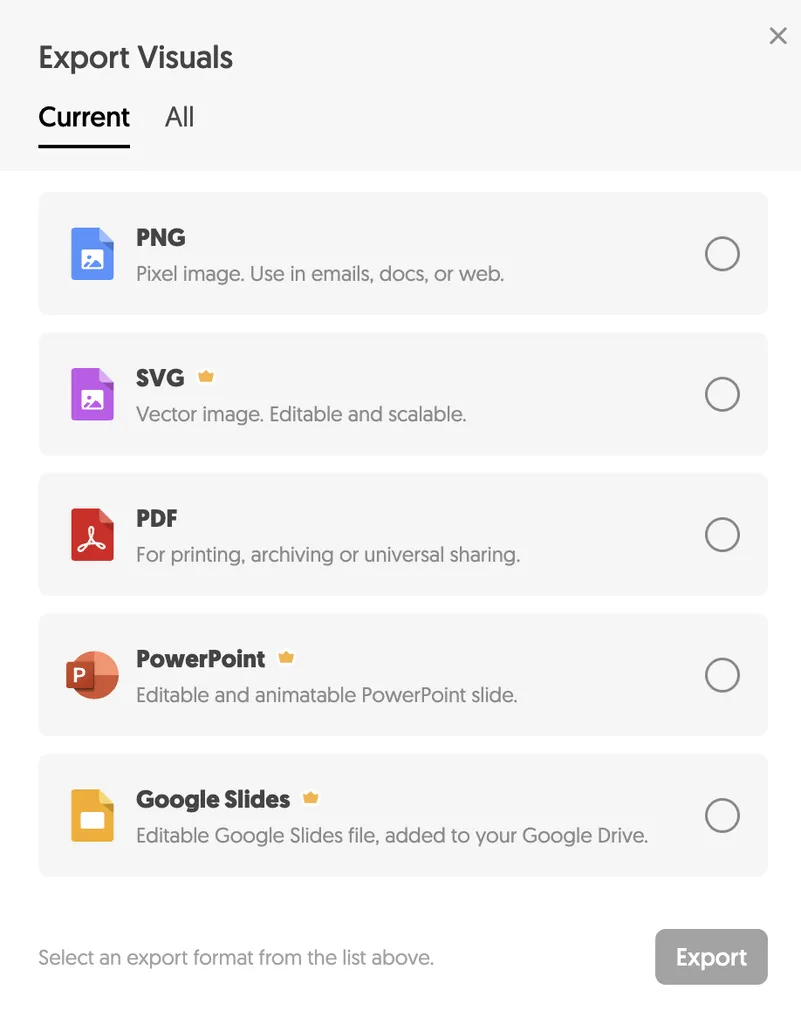
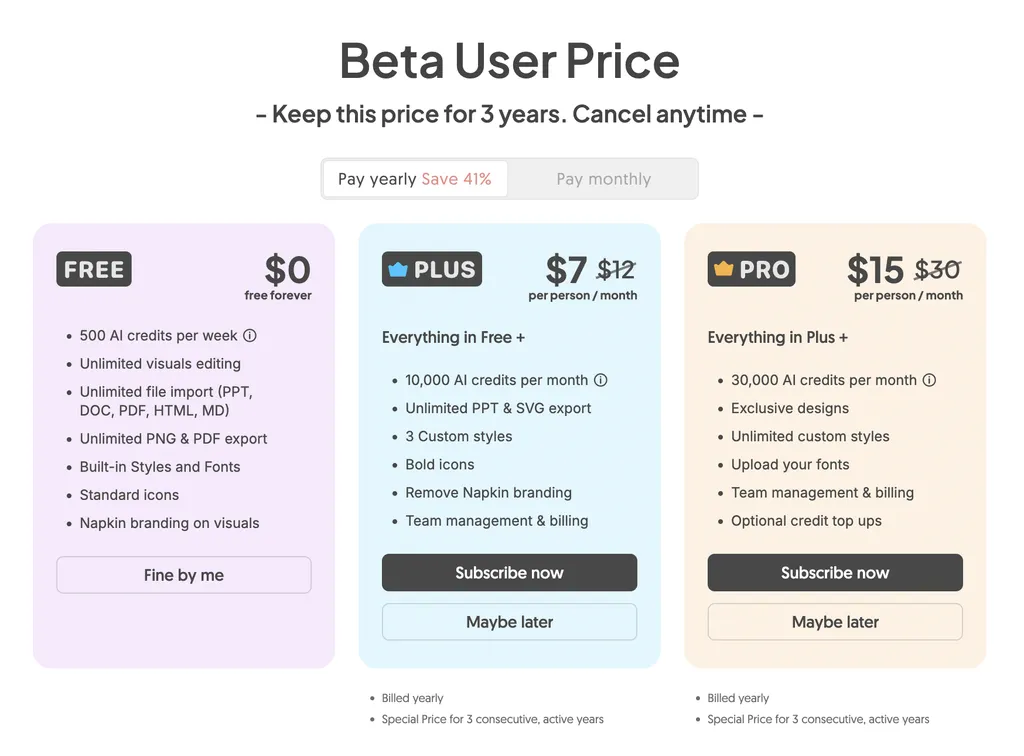
However, the free version only offers .PNG and .PDF. If you want to keep editing in vector tools you might want .SVG, or if you want to continue directly in a slide file you might want .PPTX; for those you need a paid plan.
To sum up
Napkin AI has quite a lot in it, but a few features stand out that set it apart from other visual tools on the market:
-
Text-to-visual generation: You write your text, and it creates charts, diagrams or infographics that follow the structure of what you wrote.
-
Ready-made style options: Without touching the content or layout, you can switch the design to different styles such as line-based, filled, flat or layered.
-
Brand Studio: You enter your brand details such as colors and fonts once; instead of fiddling with hex codes, you can even have it extract the colors automatically from an image or logo. That way every diagram it creates uses the color, font and style combination you've set. Creating your own brand is only available in the paid version.
-
Real-time collaboration: When you share the link with your team, they can comment on, edit and download the visual.
-
Different export formats: You can save files as PNG or PDF; PowerPoint and SVG support comes with the paid plans.
-
File import: You can bring in existing PDFs, documents or images and start working from the content you already have.
What is Napkin.ai good for?
Good for: quick drafts, blog visuals, summarizing meeting notes.
Not so good for: detailed technical drawings, designs tightly bound to a brand identity, work that needs full control.
If, like me, you get tired of wrestling with visuals while preparing content, I recommend giving it a try. You can also take a look at the help section beforehand. See you in another post. 😊
Hasan
0 Comments
Leave a comment