
As a professional who believes in lifelong learning, I think the techniques of drawing conclusions and taking notes while researching contribute a great deal to effective learning. In this post I want to tell you about Obsidian, an app I've recently started using for effective note-taking and data collection.

Put very simply, Obsidian is a note-taking app. But its fundamental difference from the popular note-taking apps most of us use much more often (for example Apple Notes, Microsoft OneNote, Evernote) lies in how it classifies and connects your notes.
Obsidian is a PKM (Personal Knowledge Management) tool. Personal knowledge management can be defined as a system for sorting information and making it easy to reach when needed — something that matters more now that information has become so easy to get.
During the day we take in data and information from many different sources: internet articles, books, conversations with friends, social media platforms, television and periodicals, to name a few. With this much information coming in, relying on memory to store it and recall it when needed is no longer enough — at least not for me. Of course you can jot things down on scraps of paper or in notebooks, but storing those notes, reaching them when you're somewhere else, and capturing an idea the moment it comes to you have become real problems.
So what is Obsidian for?
Obsidian is an app that can solve the problem I've briefly described above: it records your flow of information, lets you classify it, and helps you see "the big picture" through different views. Obsidian's strengths:
- It uses the text formatting method called Markdown (we can go into the details in a separate post)
- It stores your notes as readable files in your operating system's file system rather than in its own database (so if Obsidian development ever stops, or you move to an operating system it doesn't support, you won't lose your notes)
- It offers different ways to classify your notes:
- Hierarchical classification with folders
- Structural classification with tags
- Classification with one-way / two-way links (relations)
- It offers a quick, practical way to tag notes and link them
- Its graph view lets you look at your notes from different angles
- It can work in the cloud
- Plug-ins let it meet a wide range of needs
- It has various theme options and dark and light modes
- It's completely free for personal use
- Mobile apps let it run on your tablet and phone, so you can reach your notes from anywhere
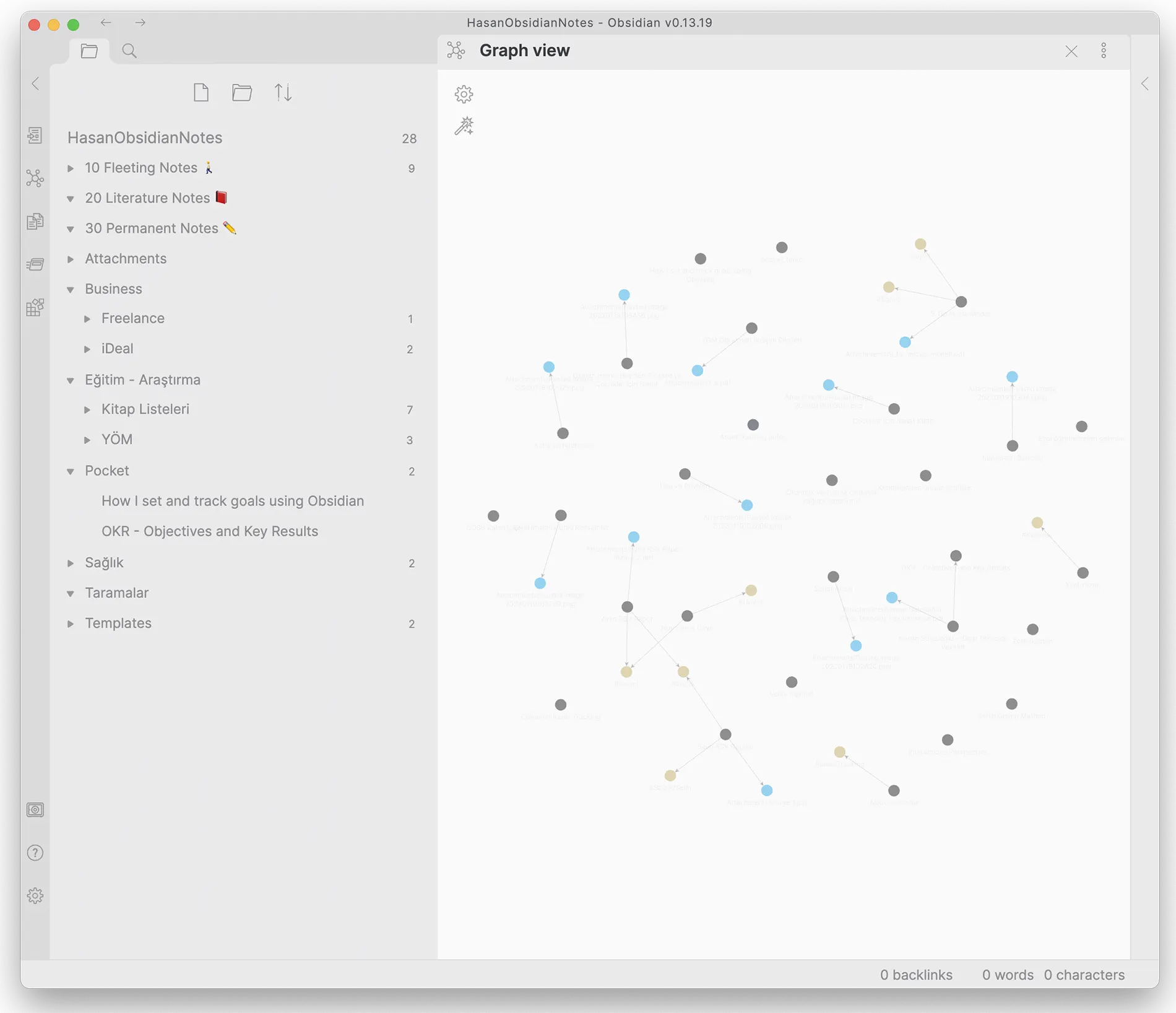
Is Obsidian an alternative to Evernote or OneNote?
My answer is both yes and no.
You can add one or more attachments to each note in Obsidian and keep them in your file system. For example, you can create a new note and embed an image you downloaded or clipped from a website. If you use note-taking tools like these to archive scanned documents, apps like Evernote — with built-in character recognition (OCR), cloud sync, encryption support and browser extensions that let you clip notes directly — will serve you better. On the other hand, if you want to archive notes you've written yourself, focus your research on a topic and come up with new ideas through different connections, Obsidian and similar apps will be the better choice.
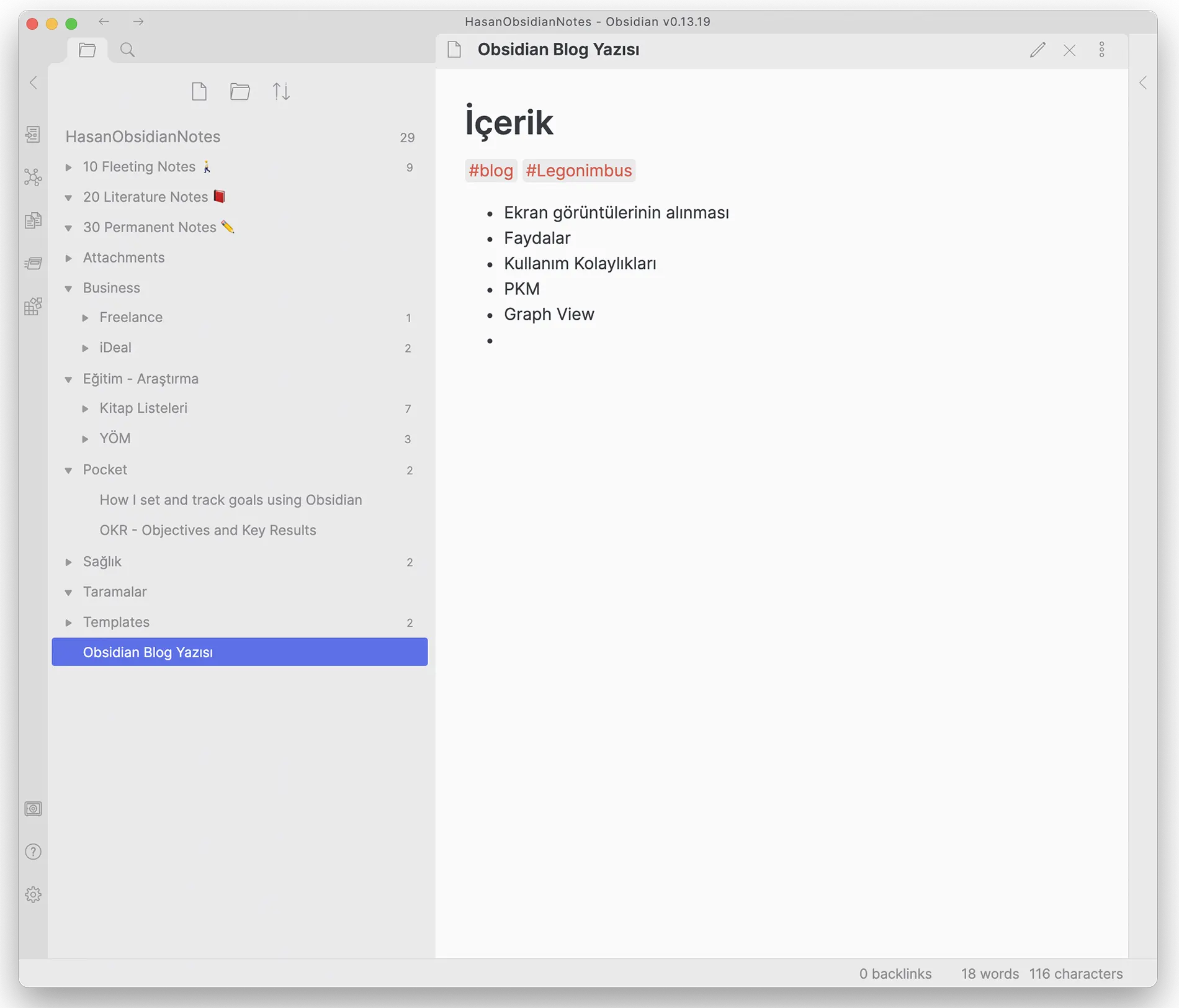
Ways to Classify
As I mentioned above, Obsidian basically offers three ways to classify your notes:
Folders: The most basic and familiar method. You can put notes into folders, and folders into other folders, to build a hierarchical classification. The advantage is that it's the method we're used to; the disadvantage is that sometimes you want a note under more than one heading, and then deciding which folder to put it in becomes a problem.
Tags: An alternative to the hierarchy of folders is tagging notes. By adding tags starting with "#" inside each note, you can tag notes independently of folders. You can add more than one tag to a note and even make tags hierarchical (like #myWorkNotes and #myWorkNotes/Legonimbus).
Links: In my view, Obsidian's strongest feature is that it lets you link to other notes from within a note. While writing a note, you can point to another note by using "[[reference_note]]" inside it. You can even display (embed) the referenced note inside the note that references it.
For example, say you start taking notes from a few websites while researching a topic. You can save the notes from each site as separate notes, then reference them in a summary note to build your main note.
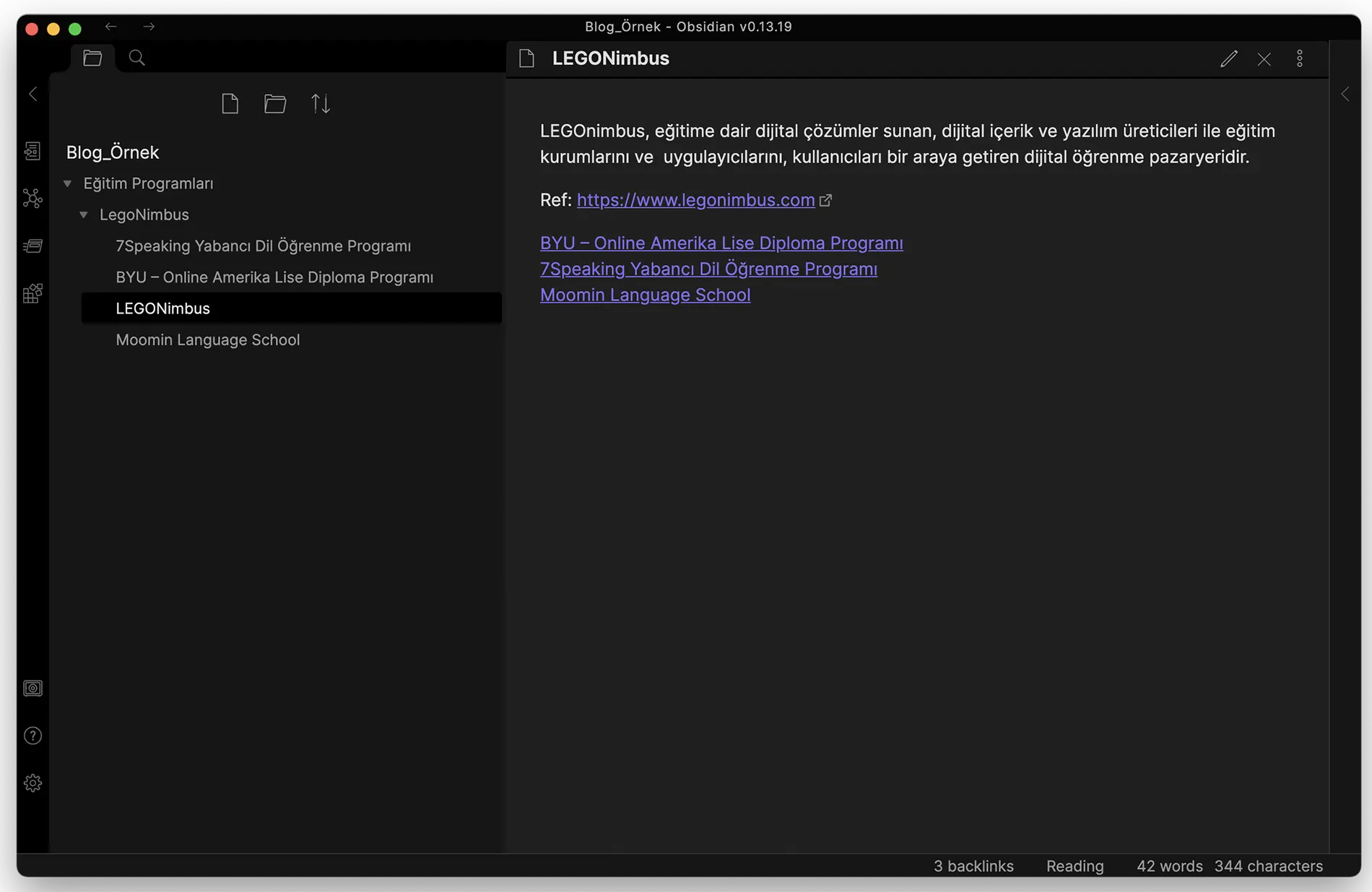
For example, in the view above, folders on the left have been used to create a LegoNimbus folder under Education Programs. Inside the LEGONimbus note, the notes for the three programs offered on the platform are added as links.
Graph View
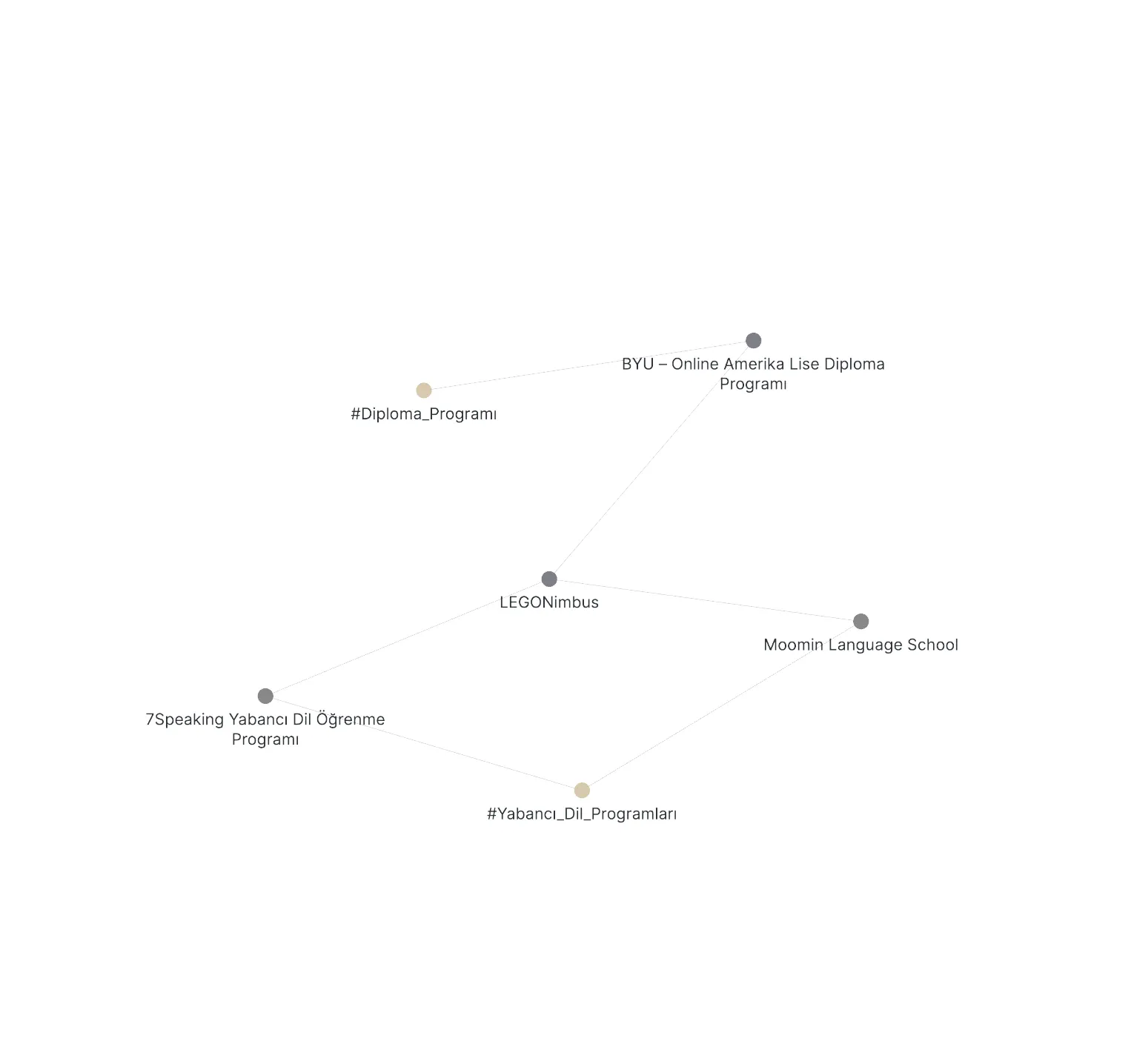
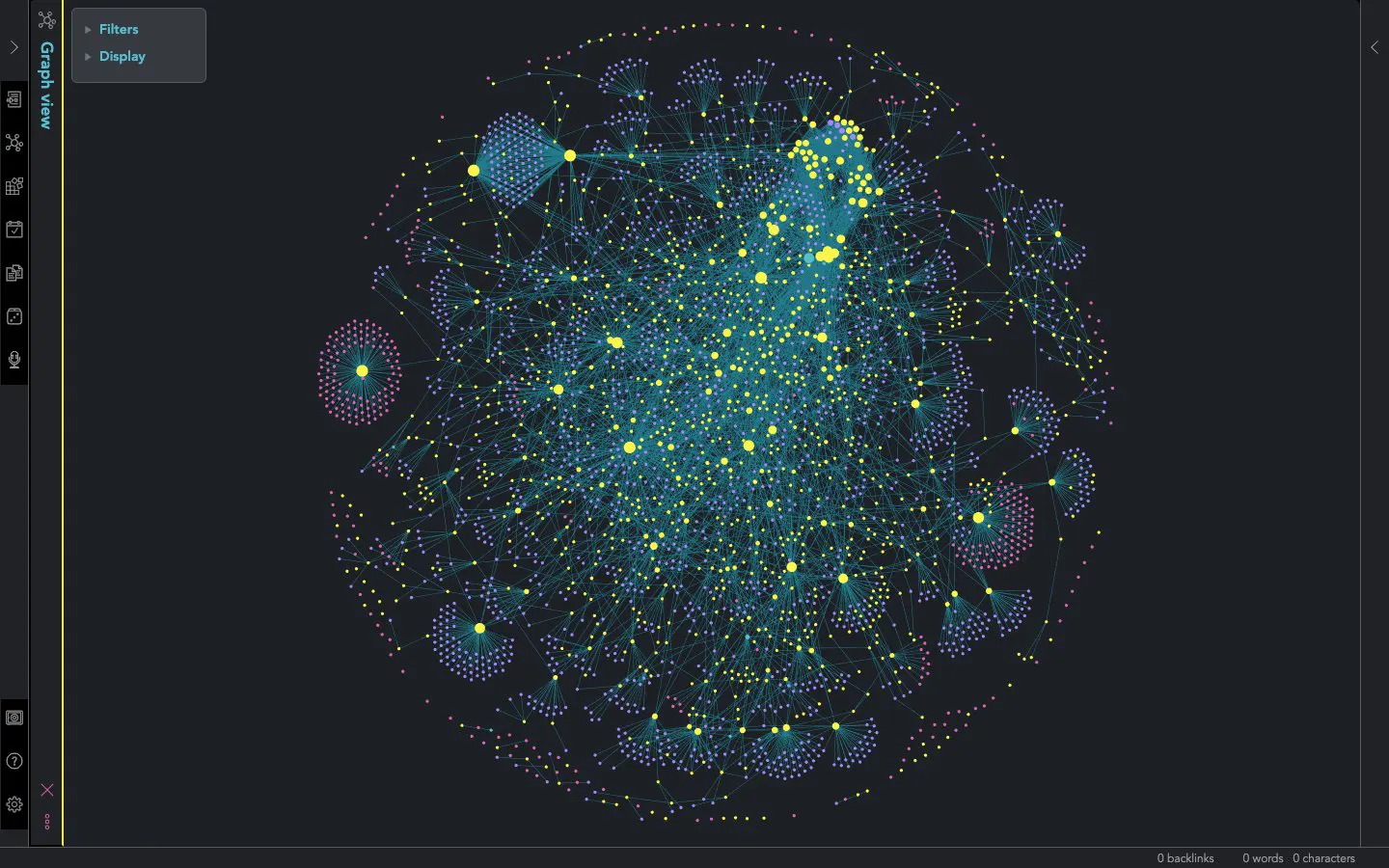
Another of Obsidian's strengths is that it can present the notes you've linked together in a graph view showing how they relate to each other.
As you can see here, the three products linked to LEGONimbus and their categories appear. Of course, the 4–5 notes I prepared for this blog post don't make a very meaningful graph, but the "note maps" built up by long-time Obsidian users can give you very different perspectives. You can also grab a node and drag it to pull in and examine the notes it's connected to. For example, below you can see the graph view of an Obsidian user with 3,639 notes:
You can find plenty of resources about Obsidian on YouTube. If, like me, you take a lot of notes, I strongly recommend downloading the app and giving it a try. And you can use it for free on Mac, Windows and Linux. Hope to see you in another post.
Hasan Sütcüoğlu
0 Comments
Leave a comment