In my earlier post I wrote about e-book readers and the Kindle. In this post I'll explain how you can read the Medium publications and articles you want to follow on your Kindle. I should mention that I learned this method from "Read Medium on your Kindle", another post on Medium.
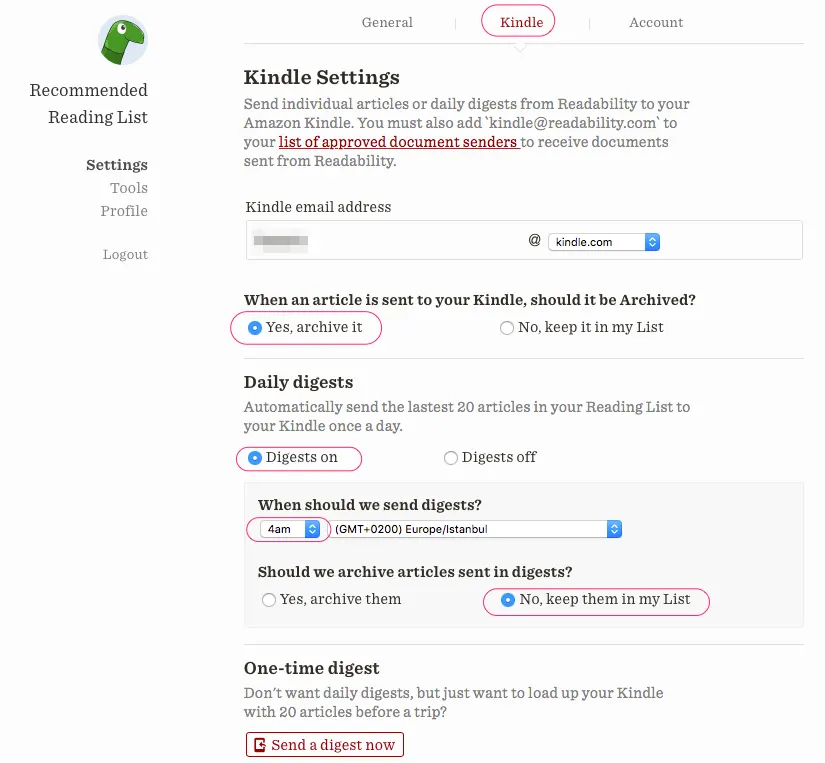
To follow Medium (and other RSS news and articles) on your Kindle, you need a Readability account. After creating a new account using that link, set up the following under Settings > Kindle. In the Kindle email address field, enter the email address linked to your e-reader.
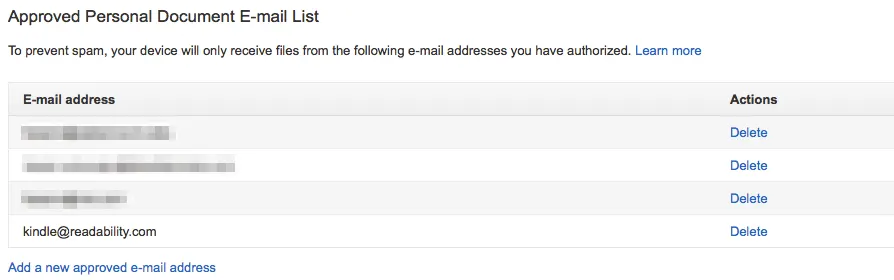
Next, on your Amazon Kindle management page, you need to add "kindle@readability.com" to the list of approved email senders. After signing in to Amazon, choose "Settings" under "Manage Your Content and Devices".
Now it's time to create the IFTTT recipe that will automatically pull in articles from Medium and from your RSS sources and collect them in Readability. If you're not a member, sign up for IFTTT here. Then open the relevant recipe by following this link.
For example, if you want to follow the Medium Türkçe publication, whose address is https://medium.com/turkce, you need to enter "https://medium.com/feed/turkce" in the Feed URL field.
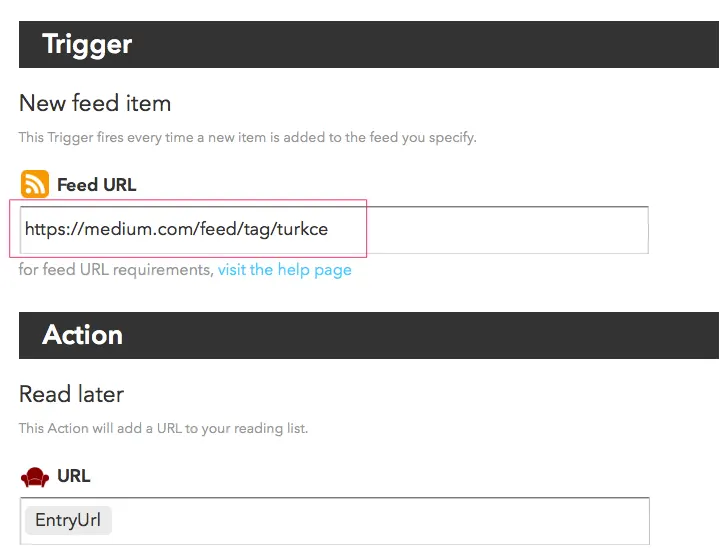
After adding your recipe with "Add", it will be linked to your Readability account (follow the steps and grant the necessary permission). You'll need to add other sites and news sources the same way, with new IFTTT recipes.
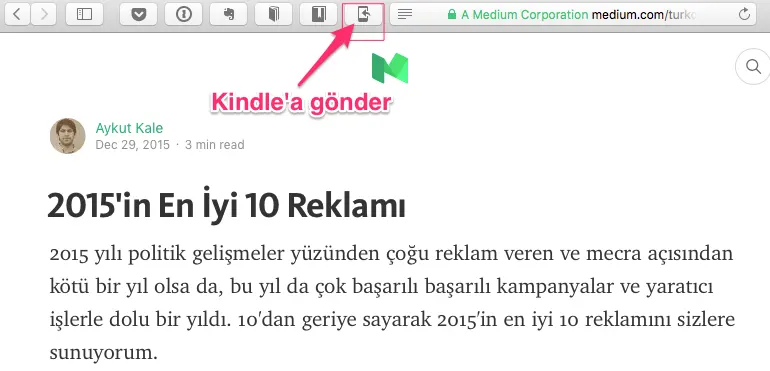
And if you install Readability's browser extensions, you can automatically send articles you come across while browsing to your Kindle to read later.
Since setting up IFTTT, the articles collected in my Readability account are compiled every day at around 4 a.m. and arrive at my Kindle email. Turning on your Kindle when you wake up and finding your magazine waiting is a real pleasure:
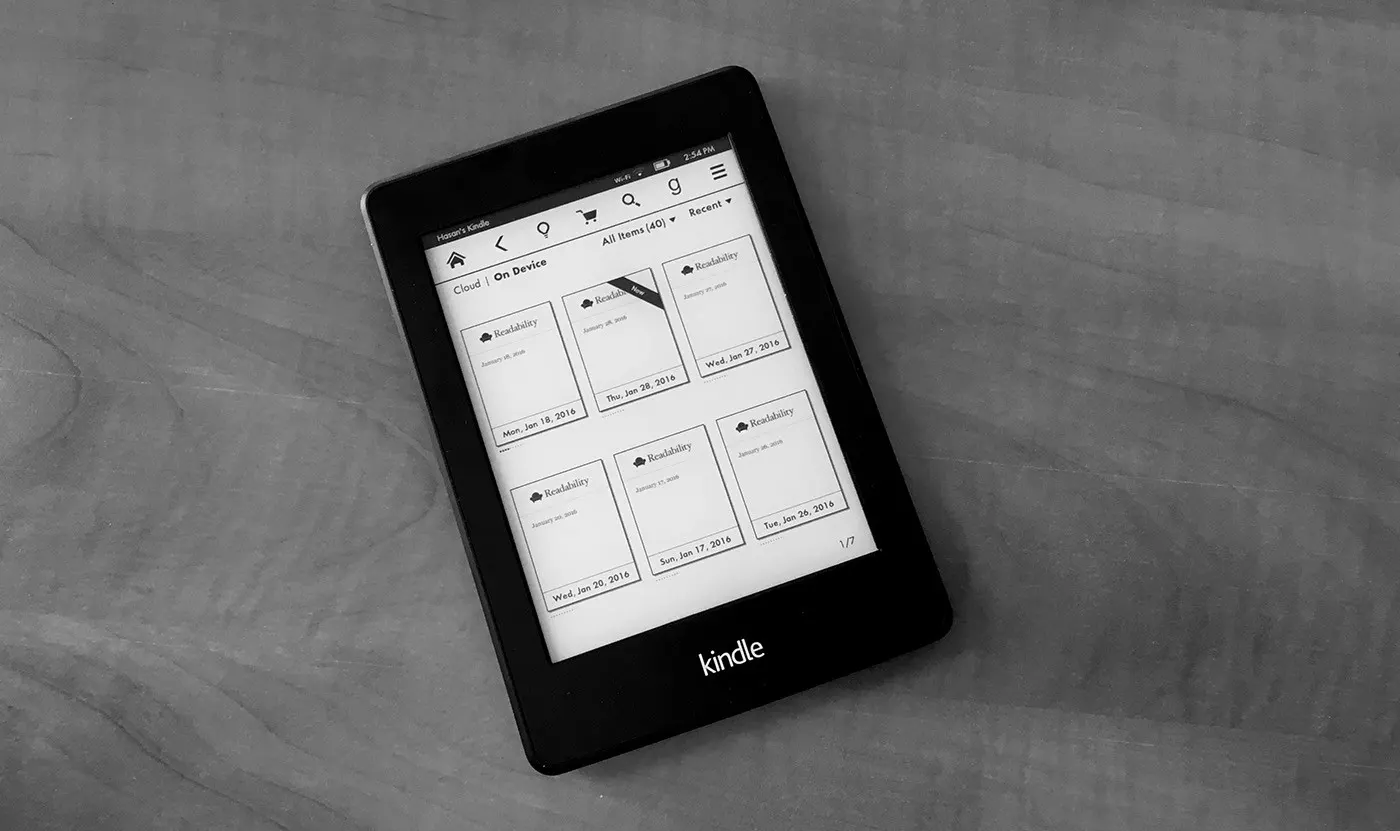
Once you've downloaded your magazine, you don't need an internet connection to read it. All the articles are inside the magazine:
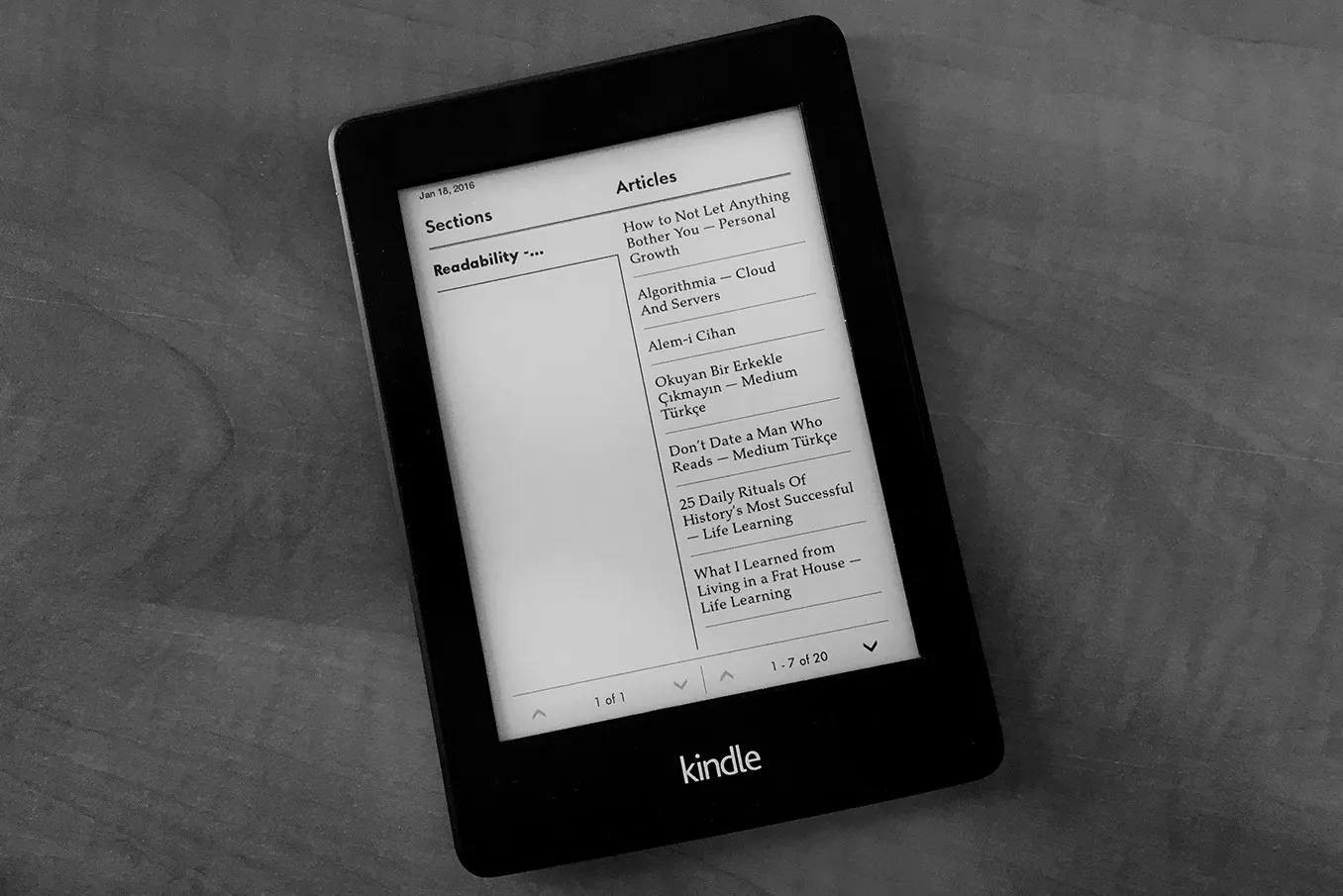
As with other e-books, you can highlight, take notes and look up word meanings in these magazines too.
Since I don't have much time at the computer, it's great to be able to read the many Medium articles I'd otherwise miss without tiring my eyes and without needing internet (e.g. on the metro).
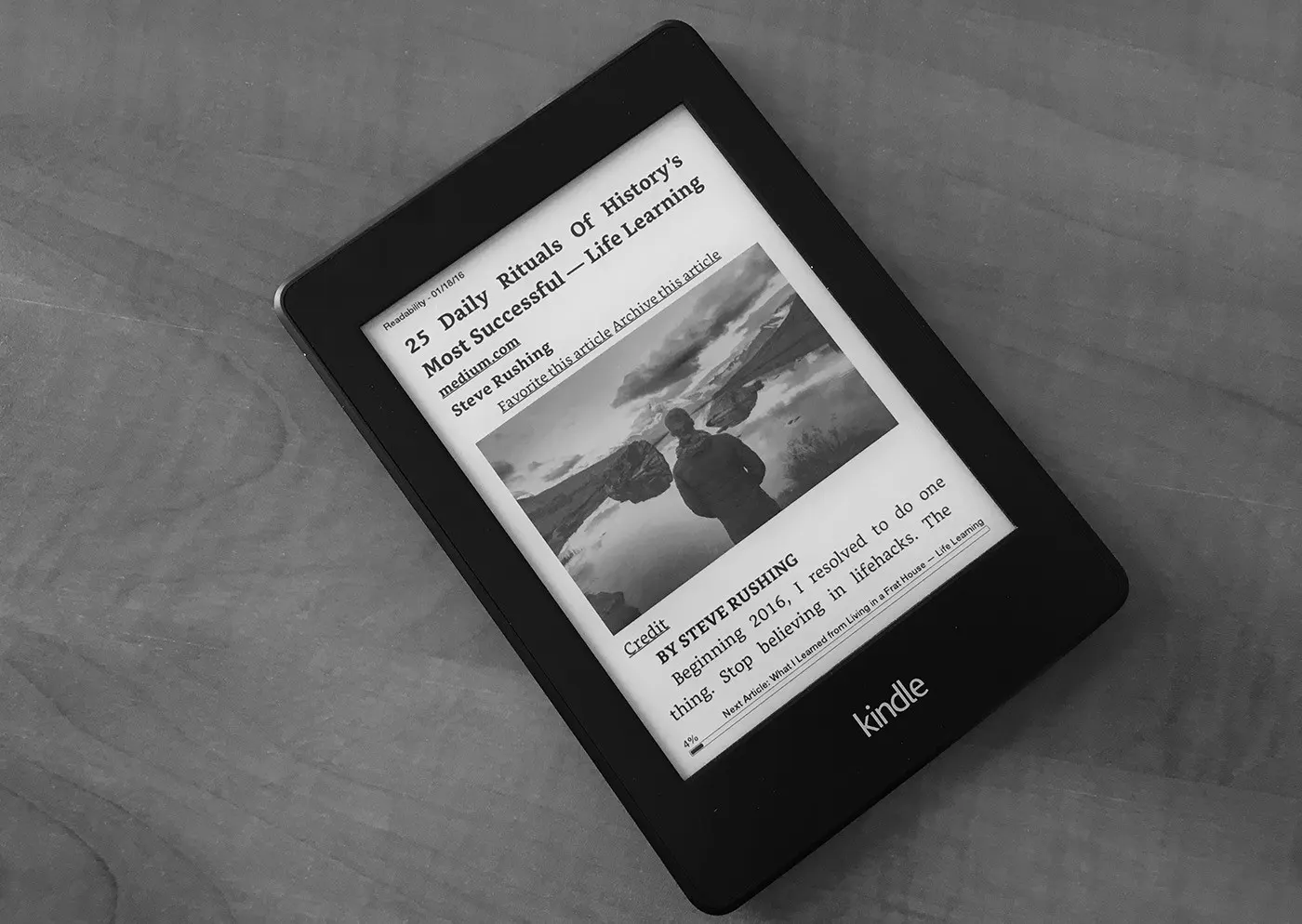
In case you're wondering: photos naturally appear in black and white and aren't as detailed as on a tablet or PC. Low-resolution diagrams and charts are also slow to display and need zooming in and out, so they're not very practical.
In short, if you have an e-book reader and want to read current content beyond books without tiring your eyes, the method I've described is worth a try.
0 Comments
Leave a comment