
What Is Evernote Good For?
I'm not obsessive about it, but I do like working in an organized way. More than liking it, actually, I need that order to be productive. Being able to find what I'm looking for quickly and easily, and reach it the moment I need it, lets me create time for myself (not just set it aside). The first condition for the order I need is building habits; the second is using the right tools. At the top of that list is Evernote, which I use constantly in both my work and personal life, and which I've recommended to the people around me so they could try it too.
Where Do I Use Evernote?
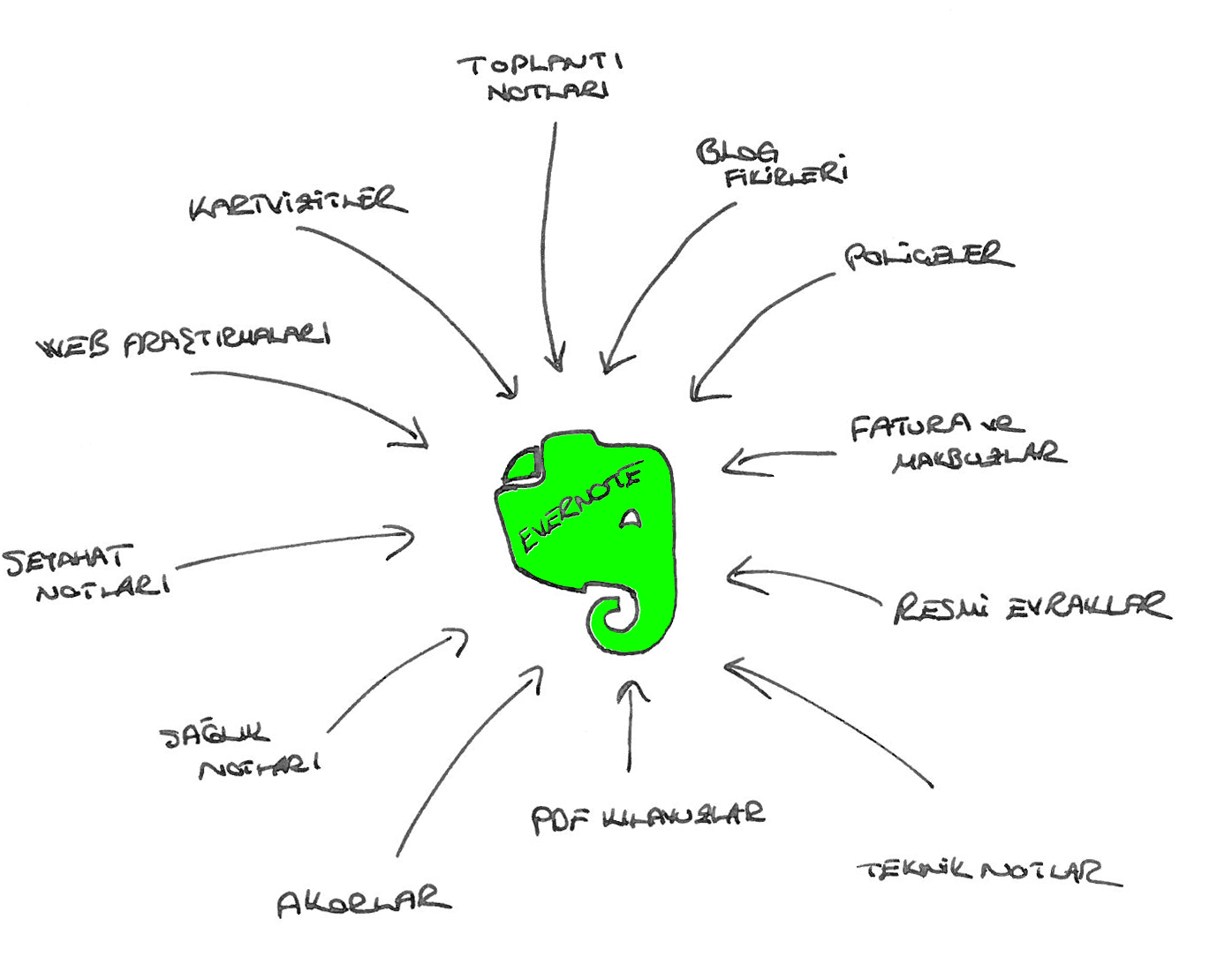
I'd known about Evernote for much longer, but I started using it actively about two years ago. After a year on the free version, and seeing how heavily I was using it, I switched to the paid (Premium) version. I use Evernote to store all the notes, research, ideas and documents I need in both my work and personal life, so I can reach them whenever I want.
In my view, how useful a piece of software is depends directly on how much you use it. Here Evernote is a few steps ahead of the competition: you can shape it to fit your own system, it runs on desktop and mobile platforms, it supports many kinds of data (text, audio, screenshots, photos and more), and its infrastructure lets you find your notes easily and share them with whoever you like.
For me, Evernote is the collection point for all my notes. I try to gather almost anything that can be stored digitally, and that cuts down on paper, in Evernote. That way I can reach all of my notebooks on Evernote's servers from anywhere I have internet, on all my desktop and portable devices. I also follow the blogs of Evernote users in Turkey and abroad and borrow their ideas for other ways to use it 😉
Evernote at Work
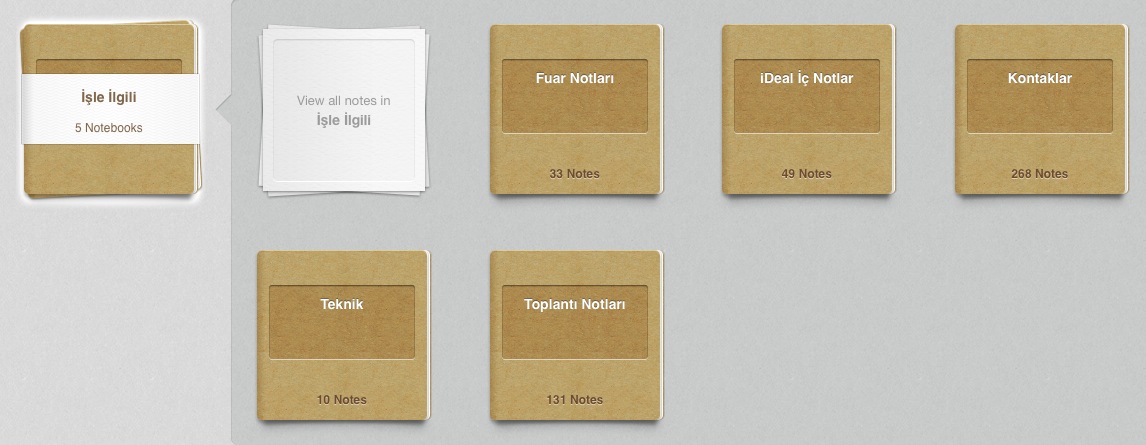
Since my work is about sales and customer relations, my most important notebooks are naturally "Contacts" and "Meeting Notes".
In most meetings with colleagues I take notes directly in Evernote. When I don't have my computer with me I use pen and paper, then take a photo of my handwriting with my phone and store it in my "Internal Notes" notebook. After meetings where we use the whiteboard, it's also very useful to take a photo of the board and attach it to the related note.
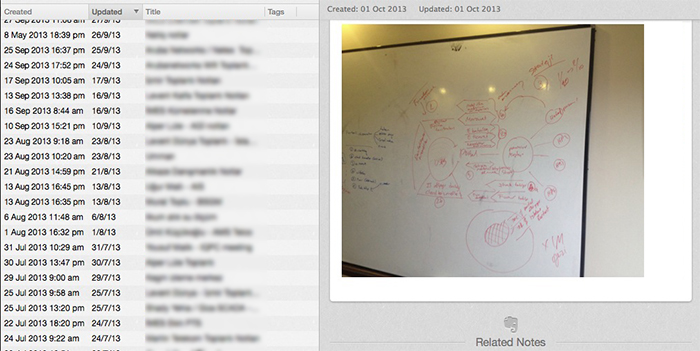
I keep the "Meeting Notes" from customer meetings in a separate notebook from internal notes. The date and time a note was created (and even its location) are very helpful later when I need to remember a particular meeting.
"Contacts" is the notebook where I store photos of business cards taken with my phone or tablet. I can search this notebook by company or person name and easily find who I'm looking for. Linking a business card note to a meeting note is also handy.
The "Technical" notebook mostly holds notes about IT equipment I need at the office — for example the IP address of the copier downstairs, the configuration file of the wireless access point on the second floor, or folder details on our shared file server.
Finally, "Trade Fair Notes" is a separate notebook I share with colleagues, where I record the conversations I have at trade fairs.
Personal Use
I have far more personal notebooks than work ones.
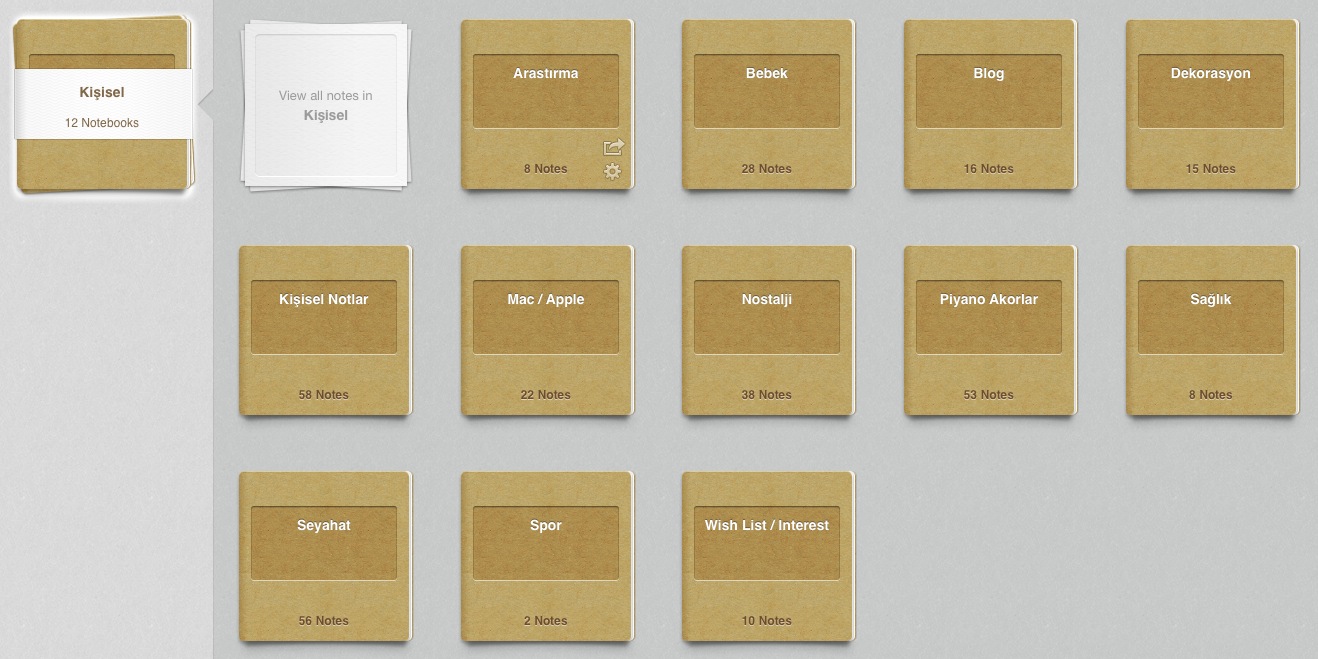
First among them is "Personal Notes". I keep all sorts of odds and ends in this notebook: a note I took during a phone call, a product I liked and photographed so I wouldn't forget it, an ad I saw in the in-flight magazine, the cover of a book or album I liked while browsing a bookshop, a recipe I came across online — all of it goes straight into Personal Notes! I have a simple rule: if I can't assign a note to one of my existing notebooks, it goes into Personal Notes.
As the name suggests, the "Research" notebook is the one I use when researching a specific topic. Evernote Web Clipper is especially handy here: it lets me save directly from the browser into this notebook — just the page address, a screenshot of part of the page, only the text, or the whole page — in a couple of clicks.
In the "Blog" notebook I keep ideas I plan to write about and images for posts; in "Decoration", furniture and interior design ideas I like; and in "Mac/Apple", articles, shortcuts and solutions for iOS and OS X.
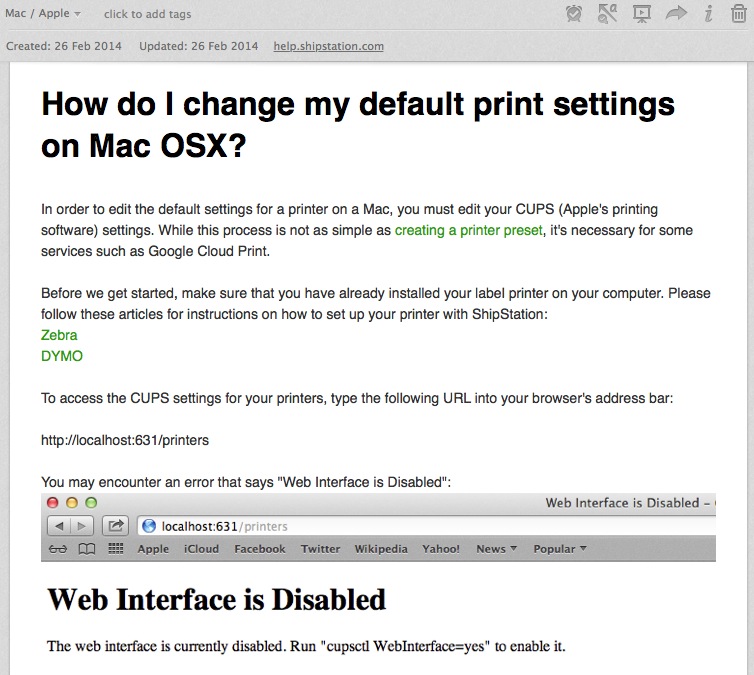
I also have notebooks for other subjects, such as "Travel", "Health", "Sports" (can't say I use that one much!), "Chords", "Insurance Policies", "Invoices" and "Manuals".
I got the idea of keeping manuals in Evernote from a foreign user's blog, and it has been very useful. The printed manuals that come with home appliances and electronics take up a lot of space, and finding something in them was always a hassle. Since PDF versions of almost every device's manual are now available online, I collected the electronic manuals for the devices I own in an Evernote notebook. Now, when I need to check a device's manual, I just open the "Manuals" notebook on my tablet and search. Meanwhile the printed manuals went to recycling, and a good amount of space opened up on my bookshelf.
Things I'm Glad I Kept in Evernote
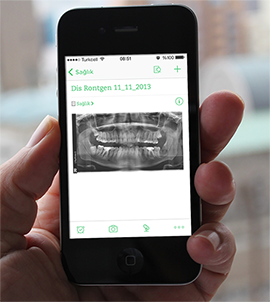
Good experiences make you use Evernote more and more. Last year, after an operation, I needed a dental CT scan. They didn't ask me for any documents on the phone before the appointment, but when I went in for the scan they said it would be good to see my panoramic X-ray. Luckily I kept files like that in my Health notebook. I opened Evernote on my phone, emailed my panoramic X-ray to the technician, and saved myself from having a new X-ray taken.
Another example involves the card receipts I keep. I wanted to return a product that was still under warranty, and since I'd paid by credit card, they said they could only refund it with the receipt. As it happened, I found it among the receipts I'd scanned into Evernote and got it sorted. One more recent example: while I was on holiday abroad, I got a work call asking which products we had offered the customer at the last meeting and roughly what they would cost. I found the information in my "Meeting Notes" and was able to send it.
Conclusion
As I said at the start, Evernote is a powerful, well-made tool for storing your notes. Of course it has some features I wish it had, but it's good to see those gaps getting smaller with each new version. If the edges of your monitor are covered in Post-its, if you jot quick notes on scraps of paper, or if your desktop is full of images and links clipped from the internet, give Evernote a chance.
This post was also published on the Evernote Turkey Blog.
0 Comments
Leave a comment